





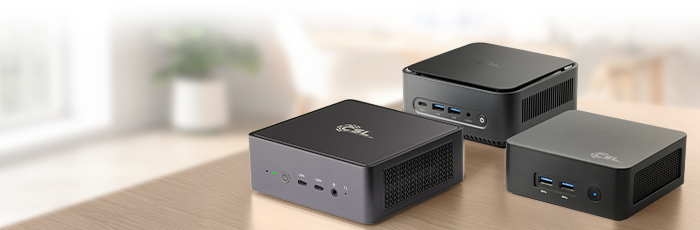





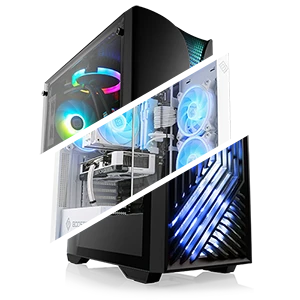
Unlimited Capacity: Up to 128 GB RAM and 24 TB SSD Storage
Maximum performance in a compact format – perfect for demanding applications.
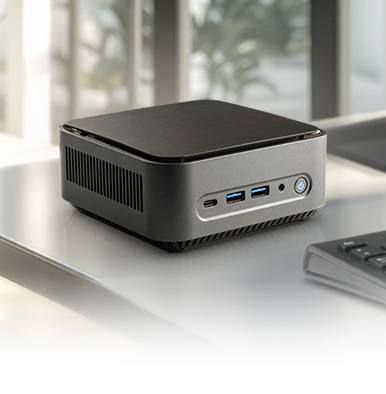
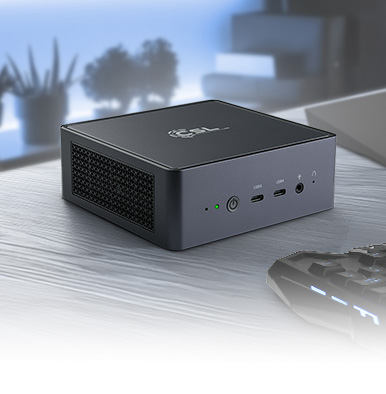
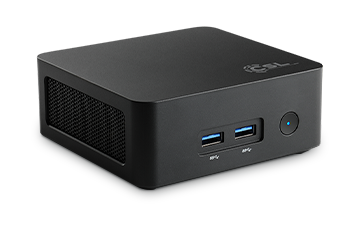
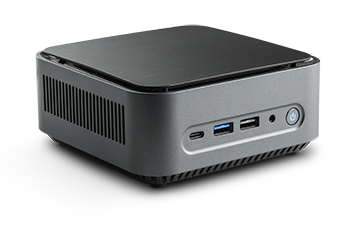
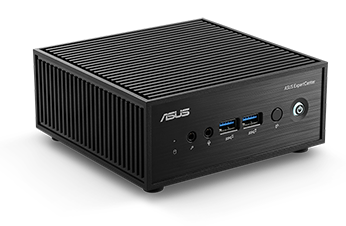
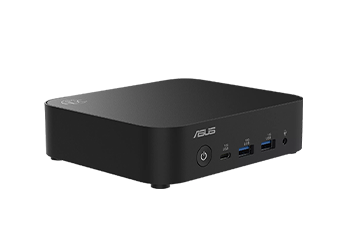
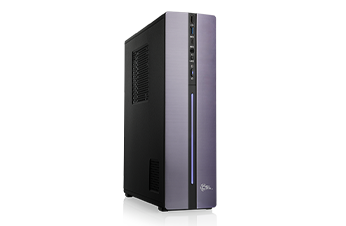
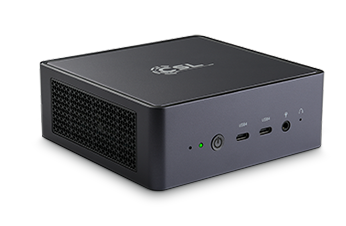
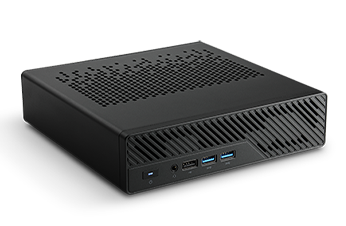
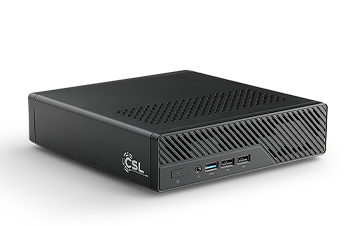
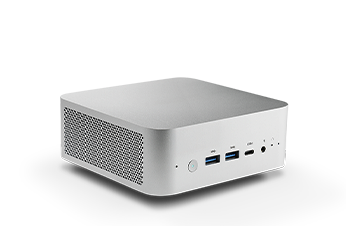
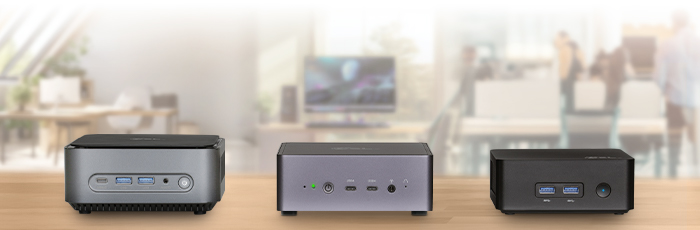
Selected base models in the CSL Mini PC Configurator set new standards for compact workstations. For CPU-intensive and memory-hungry workloads, chosen systems support up to 128 GB DDR4/DDR5 RAM and up to 24 TB SSD storage capacity – a capacity that surpasses even many full-size desktops. This setup is ideal for virtualization, large databases, 3D design, or video encoding projects. The only physical constraint remains the size limit for high-end graphics cards – yet thanks to smart low-profile GPU options, you extract maximum performance from every liter of chassis volume.
ETEC Value and Power Consumption Overview
Compare product-specific energy consumption data for your Mini PC configuration.
For the base systems available in the CSL Mini PC Configurator, the respective ETEC value is transparently declared. The ETEC value serves as a standardized metric for assessing the energy consumption of a specified base configuration. When comparing Mini PCs, you should consider the processor, hardware specifications, intended usage, and power management settings alongside the ETEC rating.
Actual power draw and total energy consumption may vary depending on the chosen CPU, RAM, SSD capacity, graphics card, connected peripherals, system load, and power settings. The displayed ETEC value applies strictly to the specified base configuration.
CSL Expertise: Stress Testing and Quality Assurance
Reliability in every detail – verified and stress-tested for maximum stability.
Every Mini PC is precisely assembled, neatly cabled, and tested under full load by our experienced technicians. Proper cable management is crucial—especially in tight ITX cases—to ensure optimal airflow. Our hardware experts optimize every detail to guarantee your desktop system runs stable and quiet even under full workload. This rigorous quality control is your guarantee of durability, reliability, and uncompromised performance – a core principle of our CSL Quality.
Future-Proof Design and Flexible Upgrade Options
Ready for tomorrow: cutting-edge interfaces and modular upgradeability.
Future-proofing starts with rich connectivity: Many of our compact systems support the latest standards, such as USB 4.0 and Wi-Fi 7, for ultra-fast data transfer. Thanks to flexible case designs, selected models can be fitted with low-profile graphics cards – ideal for entry-level gaming, multimedia streaming, or 2D graphic design. Whether configured as a silent office PC, home server, versatile desktop, ultra-compact workstation, or mini gaming rig – a custom-built CSL Mini PC adapts to your growing needs and offers long-term upgradeability.
Frequently Asked Questions about the Mini PC Configurator (FAQ)
What exactly is the CSL Mini PC Configurator?
The CSL Mini PC Configurator is a tool that allows you to customize an extremely compact and space-saving PC to your exact requirements. The focus is on small form factor systems (Mini-ITX, NUC format, or similar) that are ideal for the home office, media center use, or tight spaces.
What is the main difference compared to a (Desktop) PC configurator?
The main difference lies in size, upgradeability, and cooling:
- Mini PC: Focuses on space efficiency and quiet operation. Power consumption depends on the selected base system, configuration, and workload. Expandability is typically limited to RAM and SSD/M.2 storage.
- Desktop PC: Focuses on maximum performance (e.g., 4K gaming), large cases for efficient cooling (liquid cooling, large towers), and unrestricted expansion options (e.g., additional PCIe expansion cards, full-size dGPU).
In short: A Mini PC is ideal when space and low noise are top priorities; a Desktop PC is best when uncompromised performance is required.
Is a Mini PC suitable for gaming?
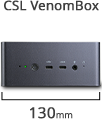
Yes, absolutely! Our Mini PC Configurator Performance & Gaming features base systems (such as the CSL VenomBox series) that can be equipped with powerful yet compact graphics solutions and high-end processors. These systems are well-suited for Full HD and, depending on the selected dGPU, WQHD gaming. The configurator only displays components that are thermally optimized for compact cases.
Which components are crucial for Mini PC gaming?
The key factors are choosing a compact dedicated graphics card (dGPU) and a high-performance processor (CPU) with optimized cooling. Since space is limited, specialized shorter graphics card models are often used. In the configurator's "Performance & Gaming" category, you can select compatible options to maintain an ideal balance between heat dissipation and performance.
Is a Mini PC suitable for home office and business applications?
The Mini PC Configurator Home & Office is ideal for these purposes. It provides base systems designed for office applications, video conferencing, and multitasking. For these workloads, 16 GB DDR4/DDR5 RAM and a fast Intel Core i5 or AMD Ryzen 5 processor with integrated graphics (iGPU) are typically sufficient. The listed ETEC rating for each base configuration helps you compare energy consumption data.
Are Mini PCs really quieter than Desktop PCs?
Yes, Mini PCs are generally significantly quieter. Systems configured in the Home & Office subcategory often utilize passively cooled designs or extremely quiet fans (silent fans). Perceived noise levels depend on the cooling system, selected processor, system configuration, load, and ambient temperature. This makes them an excellent choice for bedrooms, living rooms, or noise-sensitive office environments.
Which components can I upgrade in the Mini PC Configurator?
Upgradeability is restricted in favor of compactness, but focuses on the primary performance drivers:
- System Memory (RAM): Replacing or adding SO-DIMM RAM modules (often notebook standard).
- Storage: Adding or swapping fast M.2 SSDs and/or 2.5" SATA SSDs.
- Graphics Card: In select performance models, the dGPU can be swapped (limited selection of low-profile or Mini-ITX form factor cards).
Larger components such as additional PCIe expansion cards (aside from the primary GPU) or large tower coolers cannot be retrofitted due to space limitations.
Can Mini PCs drive multiple monitors simultaneously?
Yes. Most modern Mini PCs, including office models, feature display connections such as HDMI, DisplayPort, or USB-C/Thunderbolt that support connecting two to four monitors simultaneously. This makes them ideal for multi-display setups in home offices or digital signage applications.